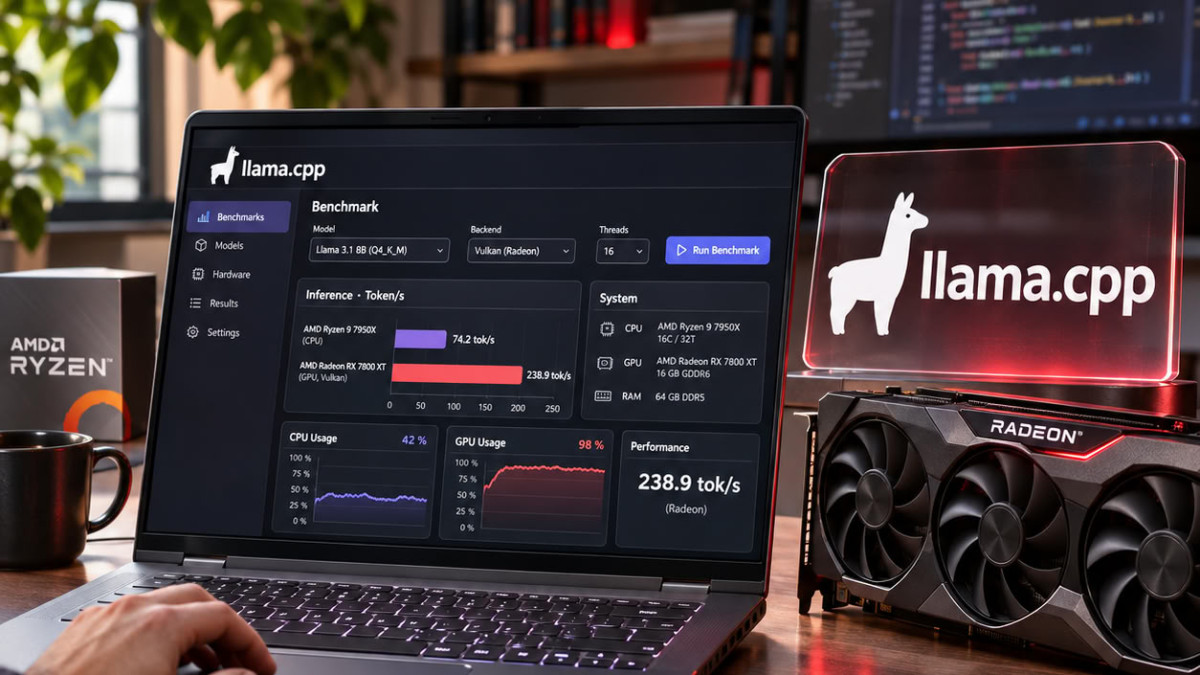

Hugging Face has launched a dashboard dedicated to llama.cpp performance on AMD hardware. It allows tracking prompt processing and text generation based on llama.cpp versions, models, and quantizations, on Ryzen processors and Radeon graphics cards. The project targets developers running models locally.
The interface is organized around a configuration bar where the user selects the hardware, model, and llama.cpp build. Two hardware choices are currently offered: the Radeon 8060S (gfx1151) and the Radeon AI Pro R9700S (gfx1201). The first tab, Overview, compares quantizations for the same hardware, same model, and same build. The second, Build history, tracks results across all recorded builds. The third, Context scaling, shows how generation throughput evolves as the existing context length increases.
Two benchmark tests
The dashboard presents two distinct tests, both expressed in tokens per second. A token is a unit of text that the model reads or produces. The PP512 test measures the processing of 512 input tokens, without generation. The TG128 test measures the generation of 128 tokens, without pre-existing context.
In both cases, the initial context depth is set to zero (n_depth=0). The displayed value corresponds to the average throughput (avg_ts). These two workloads serve as reference points, while the context tab allows exploring generation throughput as the context grows.
A public measurement method
The tests are performed on the precompiled binaries distributed by llama-install.sh, the compilation and installation project behind llama.app. The public workflows gfx1151 and gfx1201 are scheduled weekly. They run the standard benchmarks with the llama-bench tool, with and without Flash Attention, with 10 repetitions per configuration.
The list of models is evolving. It currently includes Inkling 2 Mini, Qwen, Gemma, gpt-oss, and LFM, covering both dense and mixture-of-experts architectures. Available GGUF formats include Q4_K_M, Q8_0, other quantizations, as well as higher precision formats like BF16 and F16. Quantization involves compressing a model’s weights to reduce its memory footprint.
The results are accessible directly in the public storage ggml-org/install.sh-benches-data, hosted on Hugging Face. The data source link, placed next to each graph’s title, opens the folder corresponding to the selected build, hardware, and model. Standard results follow the structure ///.jsonl, and workload sweeps use the filename -tg.jsonl in the same folder. Readers can thus examine a result, produce their own graphs, or compare the figures with a local run.
The authors thank the AMD team for providing the test infrastructure and for their help validating the setup. They invite users to try the dashboard and to indicate which models and workloads they would like to see added.
