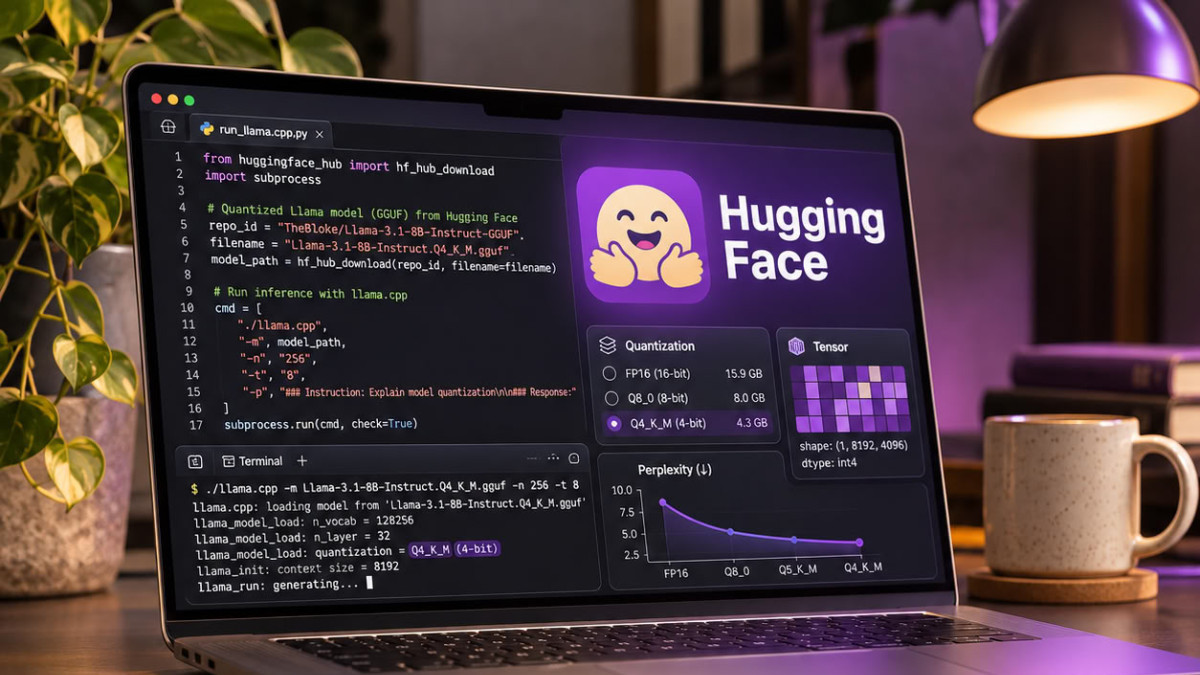

Hugging Face announces support, in the transformers library, for efficient execution of models in the GGUF format. Users can thus load, on their own machine, checkpoints (checkpoints) sized for the memory of a laptop, using the library’s usual interfaces. The focus is currently on local inference on Apple Silicon, starting from the Qwen3.5 architecture.
Running artificial intelligence models on a personal computer has become significantly simpler, and the llama.cpp inference engine has contributed greatly to this. It powers tools like Ollama, LM Studio, or Jan. With projects such as MLX, it has made local inference—that is, running a model on one’s own machine—possible on a daily basis.
The GGUF format and quantization
Developed by the llama.cpp team, the GGUF format combines in a single file the model weights, metadata, information about the tokenizer (the tool that splits text into units called tokens), and optionally, a conversation model. It allows the use of different levels of quantification, meaning reducing the precision of calculations to decrease the model’s memory footprint. The llama.cpp team publishes quantized checkpoints under ggml-org on the Hub, and editors like Unsloth, LM Studio Community, or bartowski also offer several variants. GGUF models have been downloaded millions of times.
To illustrate the effect of quantization, the source provides file sizes for Unsloth’s Qwen3.5-4B model: 8.42 GB in BF16 (non-quantized reference), 3.53 GB in Q6_K, 3.14 GB in Q5_K_M, and 2.74 GB in Q4_K_M. The latter format is presented as a practical starting point for local inference. The Q5_K_M or Q6_K variants can be tried if memory allows. However, the source notes that the impact on quality depends on the model and the task, and should be evaluated on the actual work intended for the model.
Loading a GGUF with transformers
You need an Apple Silicon Mac, a version of PyTorch supported by the published builds of the ggml-quantization kernels, as well as the latest version of transformers and a compatible version of the kernels library. To load a model, simply pass the repository identifier and the filename via the gguf_file parameter of from_pretrained. When the weights remain compressed on Metal, the library automatically loads compatible kernels. If these cannot be retrieved, the model falls back to “sdpa” with a warning. Without a compatible quantization kernel, the loader decompresses the model, which consumes more memory.
The rest of the code follows the standard transformers API, generating a response from a user message. The library also allows launching a server compatible with the OpenAI API via transformers serve, accessible at http://localhost:8000/v1.
Performance is compared to that of llama.cpp on three checkpoints: a small dense model, a larger dense model, and a mixture-of-experts model. Measurements were made on a MacBook Pro M2 Max with 32 GB of unified memory. According to the source, transformers remains close to llama.cpp on all three models, although conditions are not identical, as the transformers measurement includes pre-filling. Hugging Face still recommends llama.cpp when the primary goal is efficient local inference.
ggml kernels for other models
Beyond the GGUF format, the goal is to extend these kernels to models not supported by llama.cpp. Kernels, small programs that perform operations on the GPU, can be integrated into other transformers models. The source mentions vision, audio, and multimodal models in this regard, provided each architecture undergoes integration and validation.
For now, the compressed loader covers dense and mixture-of-experts Qwen3.5 architectures, including compatible Qwen3.8 checkpoints. The compressed inference path is only available on MPS, and padded data batches remain less efficient. Users wishing to see support for a particular GGUF model can open a request on the transformers GitHub repository.
