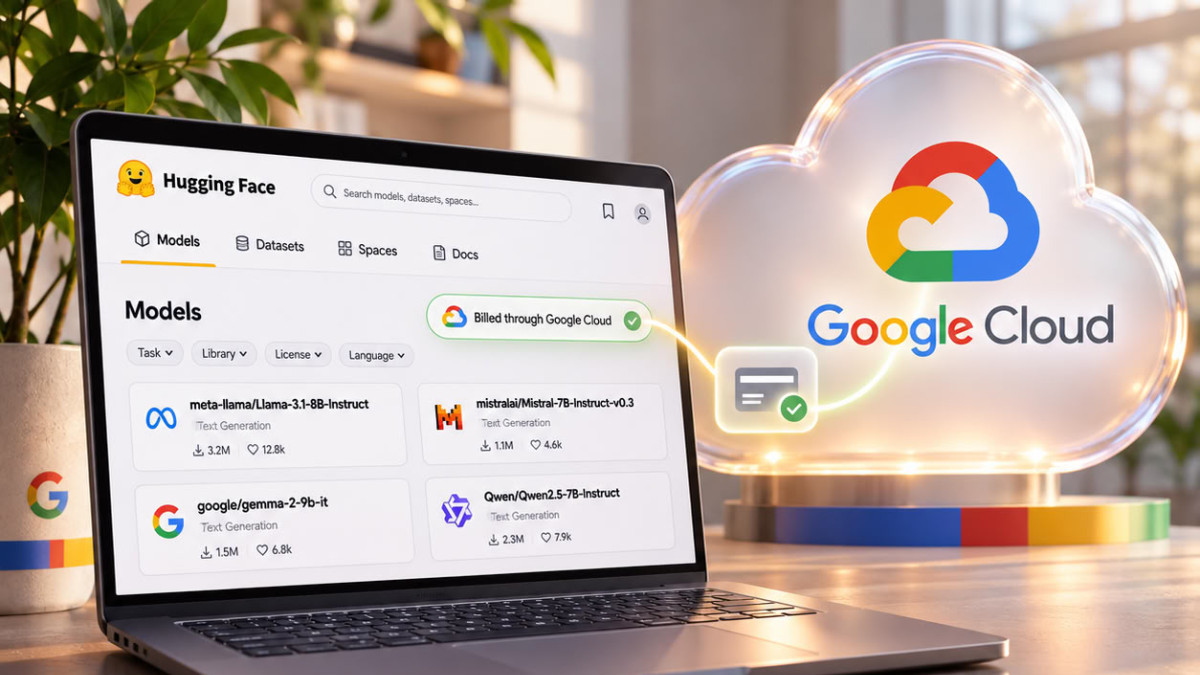

Hugging Face now allows an organization to be linked to a Google Cloud account, so that its platform usage appears on the Google Cloud invoice instead of being charged to a bank card. The process goes through the Google Cloud Marketplace and takes several steps, carried out by the organization’s administrator.
- Hugging Face organizations can now pay through their Google Cloud account.
- Usage appears on the Google Cloud invoice instead of being charged to a bank card.
- The administrator subscribes via the Google Cloud Marketplace and links the organization.
- Hugging Face reviews each subscription, and paid organizations switch at their next billing period.
Hugging Face presents itself as a place where teams find, build, and run open models. The platform allows hosting private models and datasets, launching computations on graphics processing units (GPUs) with Jobs, deploying models with Inference Endpoints, calling thousands of models via Inference Providers, or hosting demos on GPU-powered Spaces. For companies already established on Google Cloud, adding a new provider and a professional bank card can slow down the setup of these services.
A Single Invoice, An Existing Process
The main advantage put forward by the source is centralized billing. Hugging Face usage appears on the existing Google Cloud invoice, alongside other cloud expenses. Purchases go through the Google Cloud billing account and the existing purchasing process, without the need to onboard a new supplier.
According to the source, the setup covers all services: switching the organization to a Team or Enterprise subscription, usage-based billing for computations (Jobs, Inference Endpoints, Inference Providers, GPU Spaces, ZeroGPU quota extension), as well as additional storage, at Hugging Face’s public pricing.
Three Steps for the Administrator
The first step is to subscribe to Hugging Face on the Google Cloud Marketplace. The administrator selects the relevant Google Cloud project, clicks “Subscribe,” chooses the billing account to be charged, accepts the terms, and then confirms the subscription again. Once the order is placed, Google Cloud asks to finalize account creation via the “Sign up with Hugging Face” button.
The second step is to link the organization. Only organizations where the user is an administrator are offered for selection. Once confirmed, the billing settings display the associated Google Cloud account with a “pending” status. The source specifies that each subscription made through the marketplace is reviewed by the Hugging Face team before paid usage is billed to it. During this waiting period, usage continues to be charged to the organization’s existing payment method, if one exists.
The third step is approval. An email then confirms the link between the Google Cloud account and the organization. Organizations that already have a registered card switch to marketplace billing at the start of their next billing period. Free organizations, without a registered card, typically switch immediately.
What You Need to Know
Once the switch is made, Google Cloud replaces the bank card as the organization’s payment method. Usage is measured and transmitted to Google Cloud, so adding credits is not possible as long as the organization is billed by the marketplace. However, credits included in a Team or Enterprise subscription are still applied before any pay-as-you-go usage is billed.
Consumption can be tracked from the billing section of the organization’s settings, and the amounts appear in the “Billing reports” of the Google Cloud console. Finally, linking and unlinking are recorded in the organization’s audit logs. Questions can be directed to [email protected].
