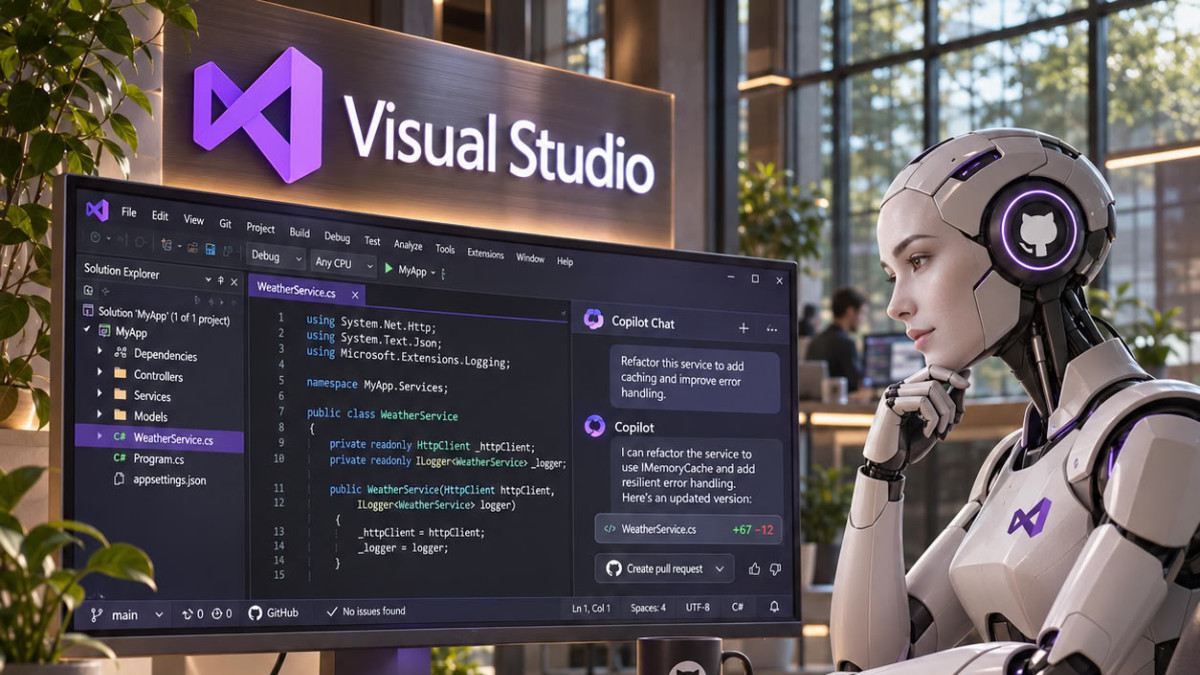

Microsoft has announced a major update to Copilot Chat in Visual Studio 2026. Starting with version 18.12, the assistant is based on the Microsoft Copilot SDK, the same technology powering the GitHub Copilot CLI interface, the GitHub Copilot app, and VS Code. The new engine is enabled by default and, according to the company, it enables solving up to 21 additional tasks.
Results measured on coding tasks
Microsoft claims to have submitted the old and new versions of Copilot to over a hundred coding tasks. In these tests, the new experience proved more performant with all evaluated models, regardless of their capability level and provider. To assess aspects important to .NET developers, Microsoft’s .NET team created a benchmark based on real-world problems encountered in actual C# projects. It covers .NET Framework and .NET Core, Azure and Aspire, as well as WinForms and desktop applications.
On 157 of these tasks, the two chat interfaces were compared. A task is only considered solved when failed tests are passed, without other previously passed tests failing. The new engine was also tested on C++, Python, and other languages.
Microsoft also cites a case from its own task list. A user had reported that long answer choices in Copilot questions were truncated. When Copilot was asked to reproduce this issue, the old version provided manual steps to follow. The new one, however, “did something we didn’t expect: it understood it was running in the very chat window that had the bug, and thus reproduced the problem directly in that location.”
A harness to turn the model into work
According to Microsoft, a language model, or LLM, merely reads and writes text. It cannot open a solution, modify a file, or run tests. The harness refers to the layer surrounding the model: what it sees, the tools it can use, what it remembers, and what it is allowed to manipulate. The company states that the same model, equipped with a better harness, achieves better results.
Copilot in Visual Studio now runs on the Microsoft Copilot harness, which the company describes as proven at the scale of millions of users. GitHub designed it to be fast and predictable. Microsoft highlights two immediately visible changes. The harness keeps Copilot active until a task is actually finished, instead of stopping prematurely. The experience is also more direct, as summarized by a developer quoted by the company: “Less chatter, more quality results for large tasks.”
New functions to control the assistant
The new engine allows giving an instruction while Copilot is working, without waiting for the current task to finish. Each step now displays the result obtained, not just what Copilot attempted to do. When part of a task is delegated to a sub-agent, that agent has a card showing the model used and each step performed, in real time.
Users can also point Copilot to any folder on their computer or attach entire folders as context. Built-in agents are accessible by typing /. The command /security-review analyzes changes from a security perspective to detect potential vulnerabilities, while /rubber-duck offers a critique of Copilot’s plan before it acts.
Microsoft states that Copilot behaves more consistently between Visual Studio, VS Code, Copilot CLI, and the GitHub Copilot app, as they rely on the same technology. An agent skill written once works in these four environments without modification. The company clarifies, however, that the experience is not identical everywhere. Some features from the old version, like planning mode and discussion export, are being integrated. Users who wish to revert to the old version can disable the “Use the new Copilot Chat experience” option in Tools > Options > GitHub > Copilot > Copilot Chat, then restart Visual Studio. Microsoft adds that it asks them to “take the time to explain to us why.”
For more details, Microsoft refers to its post published on the Visual Studio Developer Blog.
