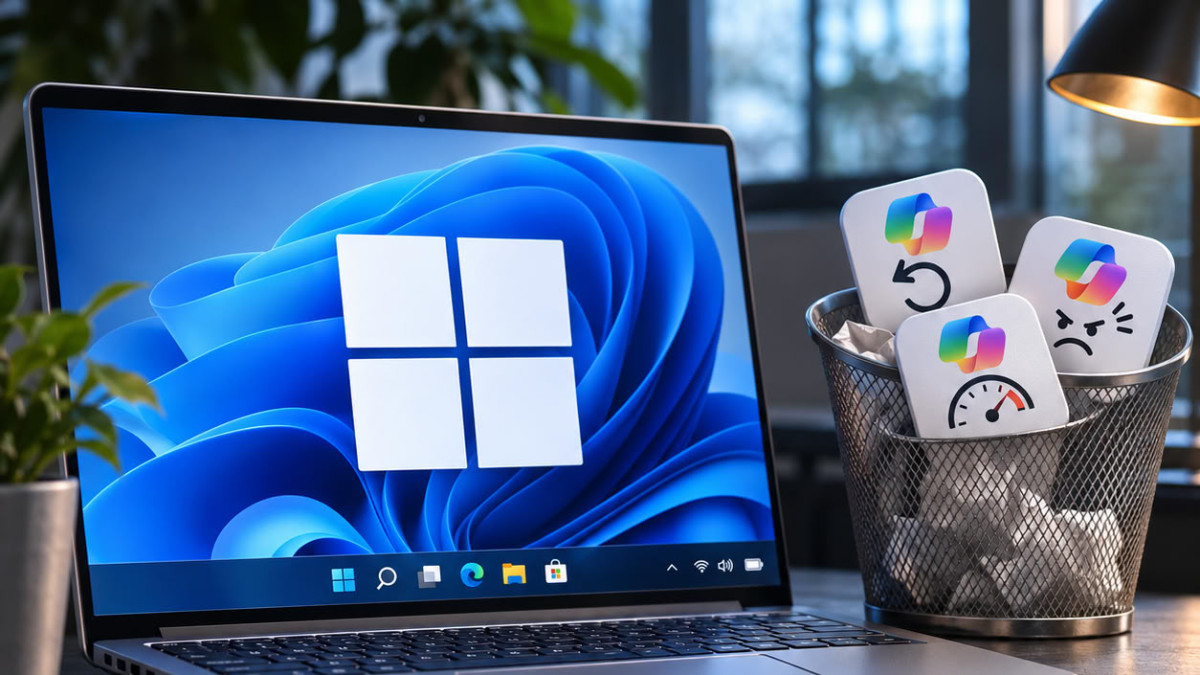

Microsoft will remove People, Files, and Calendar, three small Copilot apps it installed by default on Windows 11 Pro PCs. They will stop working on December 16,2026. The publisher acknowledged at its Ignite conference that they consumed a lot of memory.
Since 2025, Microsoft has automatically installed these three mini-apps in the Windows 11 taskbar on computers covered by a Microsoft 365 Enterprise or Business subscription. People is used to search for a colleague, Files to find a document, and Calendar to display the Outlook calendar. Each has its own Copilot button.
Microsoft announced this removal in September 2026, before explaining the reasons during a Q&A session at Ignite, its conference held from November 17 to 20 in San Francisco. The site Windows Latest, which followed the session live, reports the publisher’s statements: these apps were “a source of a lot of memory and problems, ” and their few functions had “a very high cost.”
Microsoft did not provide any figures. However, Windows Latest indicates that it measured over one gigabyte of RAM consumed during its tests. The media points to WebView2, the technology chosen by Microsoft, which displays web pages inside a Windows window. On a PC with 8 gigabytes of memory, this represents one-eighth of the memory, for three shortcuts to functions already offered by Outlook and Teams.
The choice is surprising, given that Microsoft has been encouraging developers since June to create native apps on Windows 11, presented as more fluid. However, the deployment of these three companions has been slow, so most PCs never received them.
How to Remove Them Before December 16
If the computer is managed by a company, uninstallation is the responsibility of the IT department, according to Microsoft’s support page. Otherwise, it is possible to do it yourself: open Settings, then Apps and Installed apps, search for the Microsoft 365 companions entry and choose Uninstall. Removing one of the three apps results in the removal of the other two. Files, appointments, and contacts are stored in Microsoft 365 and are not affected.
Microsoft no longer releases any updates for these apps, including security updates. They will stop working on December 16,2026.
