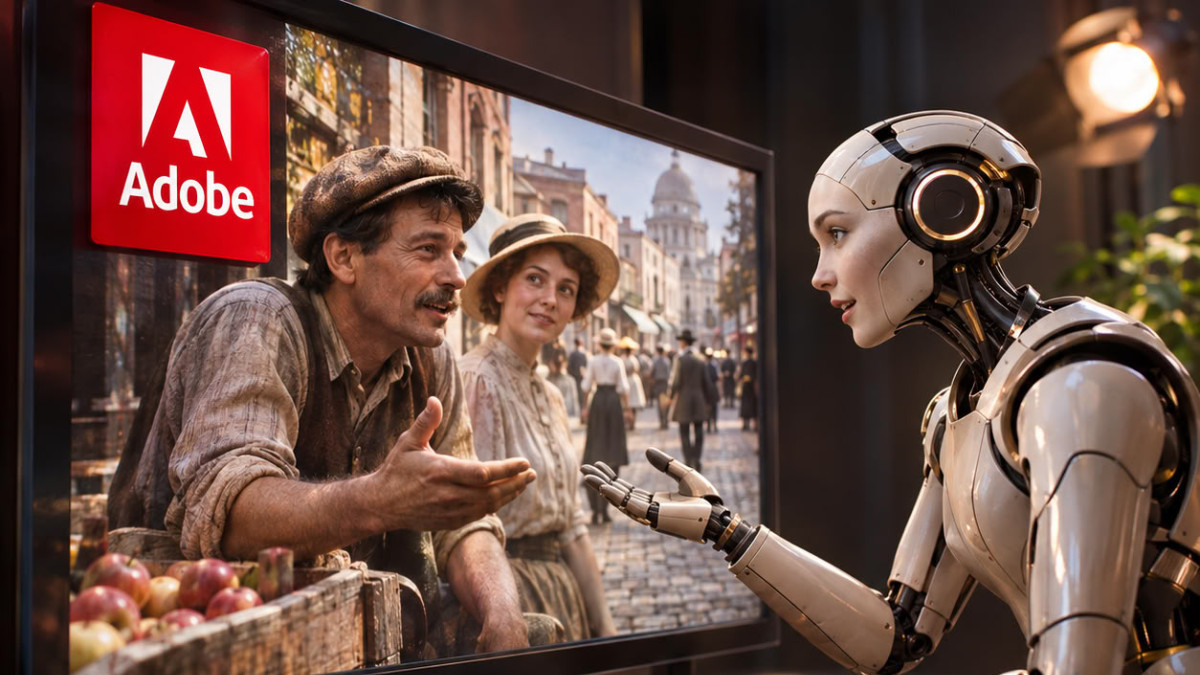

Adobe is presenting four experimental projects at its annual Adobe Max conference, as part of its ‘sneaks’. They allow you to transform an image into an explorable 3D scene, design an AI character by conversing with it, or replicate photo edits by simple copy-paste.
Characters shaped through conversation
The project Project Screen Test aims to facilitate the creation of AI-generated characters for video content. Instead of describing their voice and behavior in a text prompt, the user converses with the character in an environment resembling an audition. It starts with a few personality traits, such as ‘anxious, shy, clumsy’, then chooses a voice by selecting a preset, describing its tone, or importing an audio sample.
The rest unfolds in conversation, ‘like a FaceTime call’, to specify the character’s past, temperament, goals, flaws, fears, or movement tics. A Personality tab allows manual adjustment of each of these traits. Once the character is defined, the tool generates animated trials in an environment or scenario described by the user. It is not specified how, or even if, this feature could integrate into Adobe’s existing video tools.
Images, sounds, and edits replicated differently
The project Project Sight Span transforms a photograph into a 3D environment where the user can move around and reposition elements. According to the source description, the space generates objects and backgrounds located outside the initial frame, which seem to naturally belong to the image. The visuals remain pixelated during navigation, with resolution restored once the angle is chosen. The tool works on any flat image, photos, paintings, or illustrations, and can preserve or reproduce artistic styles. It is compared to Apple’s Spatial Reframing feature, of which it would be a much more advanced version.
With Project Sound Bender, the user imports a video, then describes the desired sound in a prompt, for example ‘a bubbling sci-fi cauldron’. The tool generates sound effects synchronized with the video and offers a square canvas to adjust the noises in real time. Each corner corresponds to a sound produced automatically, like a dense gurgle with bursting bubbles, boiling rocks, high-pitched beeps, or a crackling electric fire. By moving the cursor on the canvas, certain sounds are emphasized, and each corner can be customized with other effects.
Project Rinse Repeat allows you to copy an edit and automatically apply it to other objects or people in the same photo. The source cites the example of removing blemishes from a person’s face, replicated on other members of a group, or adding shadows to products in marketing visuals, even when their shapes and sizes differ. The tool relies on Photoshop, and the modifications remain editable, as they are recreated using the software’s native tools.
These ‘sneaks’ are technological previews that could, or could not, become features of Creative Cloud applications or the Firefly platform, with no guarantee at this stage. Most rely on Adobe’s generative AI developments, which occupy a central place in the company’s growth strategy. The common thread of these projects is to make complex workflows in photo editing, video editing, and audio mixing more accessible and intuitive.
‘Making these interactions more intuitive also gives experienced creatives more precise control,’ Gautham Mysore, senior principal scientist in research at Adobe, told The Verge. ‘Sound Bender’s sound exploration capability and Sight Span’s camera positioning show how professionals could apply their judgment and refine a result more directly. This link between creative intent and control is an important part of what we are exploring.’
