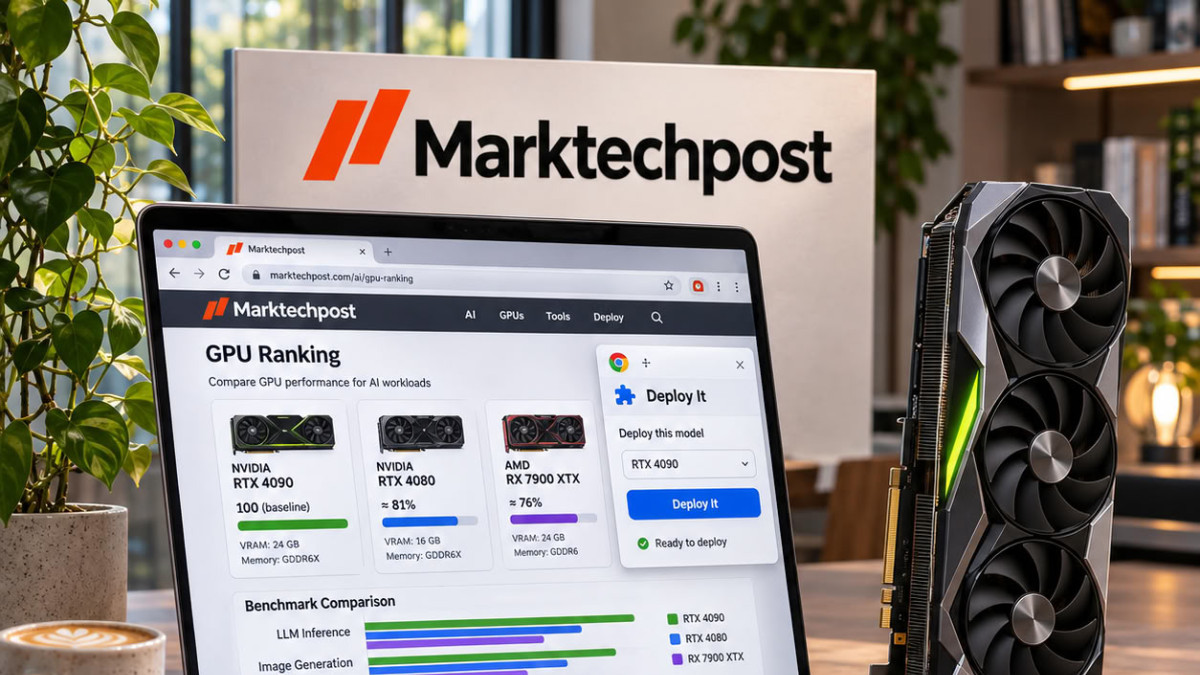

Marktechpost has launched GPU Leaderboard, a free comparator for cloud graphics processing unit (GPU) rental prices, aimed at AI model inference, i.e., their execution once trained. The site comes with a Chrome extension, GPU Leaderboard: Deploy It, which uses the same data. According to the publisher, the goal is to answer in one place the question: “which GPU do I need, and where is it cheapest?”
The dashboard ranks cloud-rentable GPUs by price per GPU-hour. The data is read from the pricing pages of each provider, for on-demand rates as well as spot rates, i.e., capacity sold at a discount and subject to interruption. Version 1 includes four views. The first, “Inference pricing,” is a cost calculator for a complete run and not just a simple hourly rate. The second, “Leaderboard,” presents all offers ranked in dollars per GPU-hour, filterable by GPU, range, region, and availability. The third, “Cheapest Inference,” indicates the lowest on-demand floor price for each tracked GPU. The fourth is a directory of providers, with the number of instances, regions, incidents reported on status pages, and price check history.
A calculator for the cost of a full run
The user selects an accelerator, a number of GPUs, a duration, and a utilization rate. The calculator then prices this specific run with each provider, and an optional field for the model allows the list to be narrowed. The default example provided is for 8 H100s for 72 hours at 90% utilization, i.e., 576 GPU-hours. The cheapest result is $967.68 at Latitude, at $1.68 per GPU-hour. The median across 15 providers is $1,716.48, and the most expensive offer is from CoreWeave, at $3,545.28.
The calculator also displays a “real” cost per GPU-hour effectively used. Idle time is still billed: according to the article, the $1.68 per GPU-hour thus becomes $1.87 at 90% utilization. According to the site, this is the figure most often omitted from budget spreadsheets.
An extension for choosing your model
The Deploy It extension aims to bring this data closer to where developers choose their models. According to its listing on the Chrome Web Store, it works in three places. On Hugging Face model pages, it detects the model size and estimates the required video memory, called VRAM, in FP16, INT8, and INT4 formats, numerical precision formats that reduce the required memory. It then displays the cheapest hourly GPUs that can accommodate the model. On GitHub repositories, it identifies references to models and provides a hardware estimate directly on the page. Finally, a search from the browser’s toolbar allows querying any model or GPU.
The site lists 201 online GPU offers, provided by 24 suppliers. According to the article, the coverage and daily updating of data constitute the main gaps compared to older tracking tools.
