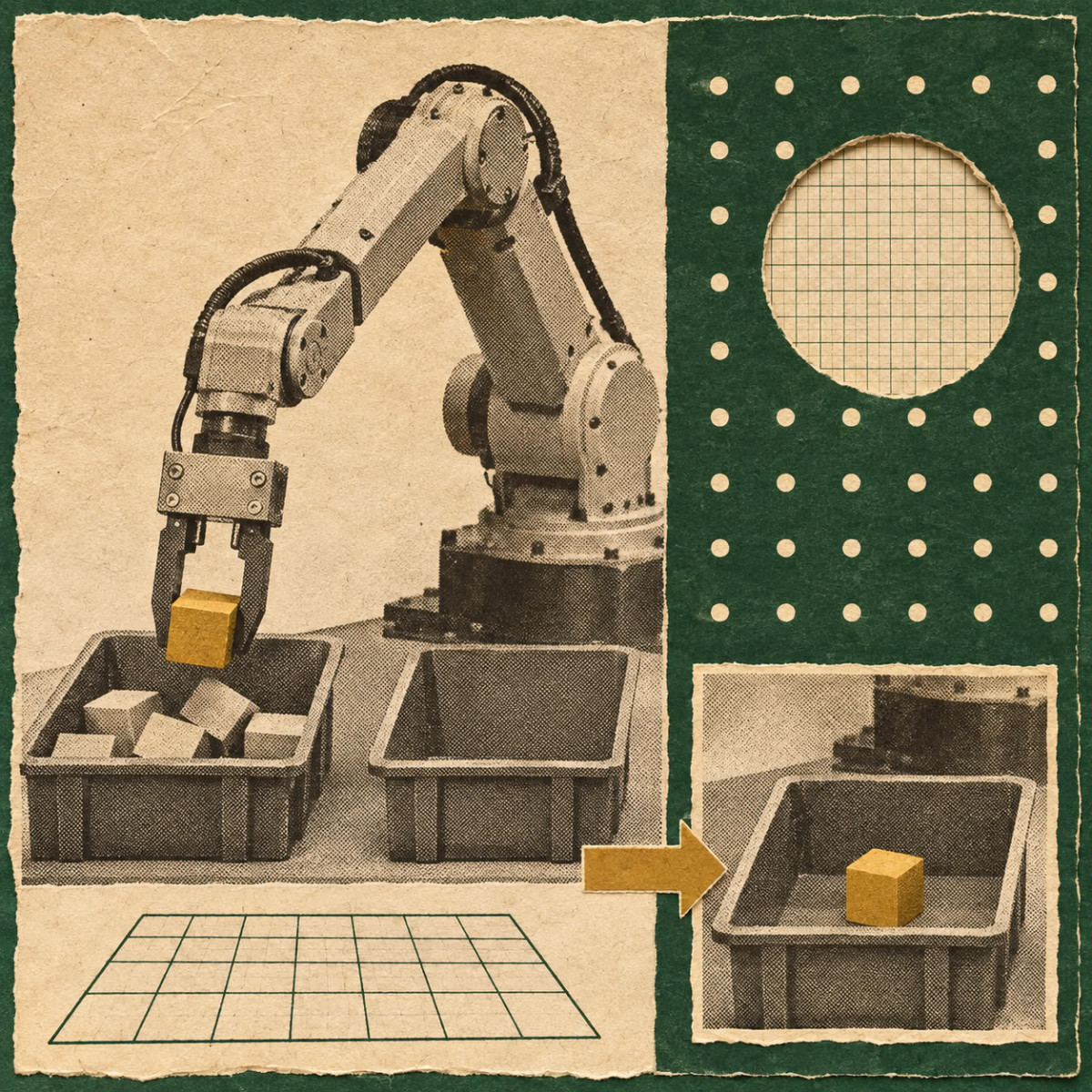

A tutorial published on Hugging Face shows how to assemble a UR17G robotic arm, a Robotiq 2F-140 gripper, and a beverage can in Isaac Sim, then have an agent execute a pick-and-place task. The example relies on SimReady assets, meaning digital objects prepared for precise simulation use.
For robotics, a SimReady asset is an object in OpenUSD format to which the properties necessary for a given use case have been added, such as collisions, mass, joints, and their motors. The open SimReady Central library, hosted on Hugging Face, allows the reuse of robots and objects accompanied by their simulation settings and validation reports.
What makes a robot compatible with simulation
The SimReady Foundation specification defines the characteristics an asset must have for a use case. It links three levels: the profile, which groups the functionalities of a use, such as a robot body; the functionalities, meaning the required capabilities, such as controllable joints; and the requirements, which are checks on the settings of each functionality, such as the motor parameters of a joint.
In this example, these properties concern the arm and gripper joints, as well as the collisions and mass of the can. Validation compares these settings against the profile’s requirements, then the simulation tests whether the assembled robot can use them to grasp and move the object. The arm’s validation report uses the Robot-Body 4.0.0 profile, the gripper’s uses the Robot-Gripper 3.0.0 profile. Both record the success of PhysX checks on the joint motors, which inspect the settings of these motors.
Assemble the scene and launch the task
Once the three assets are downloaded, the author asks an agent-a program that can operate tools from instructions-to assemble the arm and gripper into a single joint, then validate the assembly. The tutorial uses GPT-6 Sol as the model and notes that other agent and model combinations may work, provided they can load the necessary skills and execute Python in Isaac Sim. The generated code and results may vary, and the article recommends inspecting the code before adapting it.
The task consists of grasping the can, lifting it, moving it to a target, then releasing it. The checks focus on three points: the limits and settings of the joints, a small movement of the arm followed by opening and closing the gripper, and holding the can on the work plane without passing through it. A video shows the can transferred from a yellow marker to a green target, at four times real speed.
The author specifies the limits of this example. The configuration is fixed, without vision, with restricted collision checks. The can is simplified and does not reproduce liquid deformation or movement. The horizontal grasp uses a 2 N·m torque limit, chosen through simulation tests, which is neither calibrated on fingertip forces nor recommended by the manufacturer. These results therefore do not demonstrate robustness against uncertain object positions, different loads, or real hardware.
Developers are invited to share their scene and results in the Hugging Face comments, indicating the assets and Isaac Sim version used.
